

GRID Legends Deluxe Edition Hypervisor MULTi11-ElAmigos

Title: GRID Legends Deluxe Edition Hypervisor MULTi11-ElAmigos
Genre: Action, Racing, Simulation, Sports
Developer: Codemasters
Publisher: Electronic Arts
Release Date: 24 Feb, 2022
Languages: English, French, Italian, German, Spanish, Etc …
File Size: 31.83 GB / Split 7 parts 4.95 GB Compressed
Mirrors: Datanodes, Fileq, Google Drive, Mediafire, Megaup, Torrent
Free Download GRID Legends Deluxe Edition Hypervisor Repack PC Game – GRID Legends delivers thrilling wheel-to-wheel motorsport and edge-of-your-seat action around the globe. Create your dream motorsport events, hop into live …
DESCRIPTION
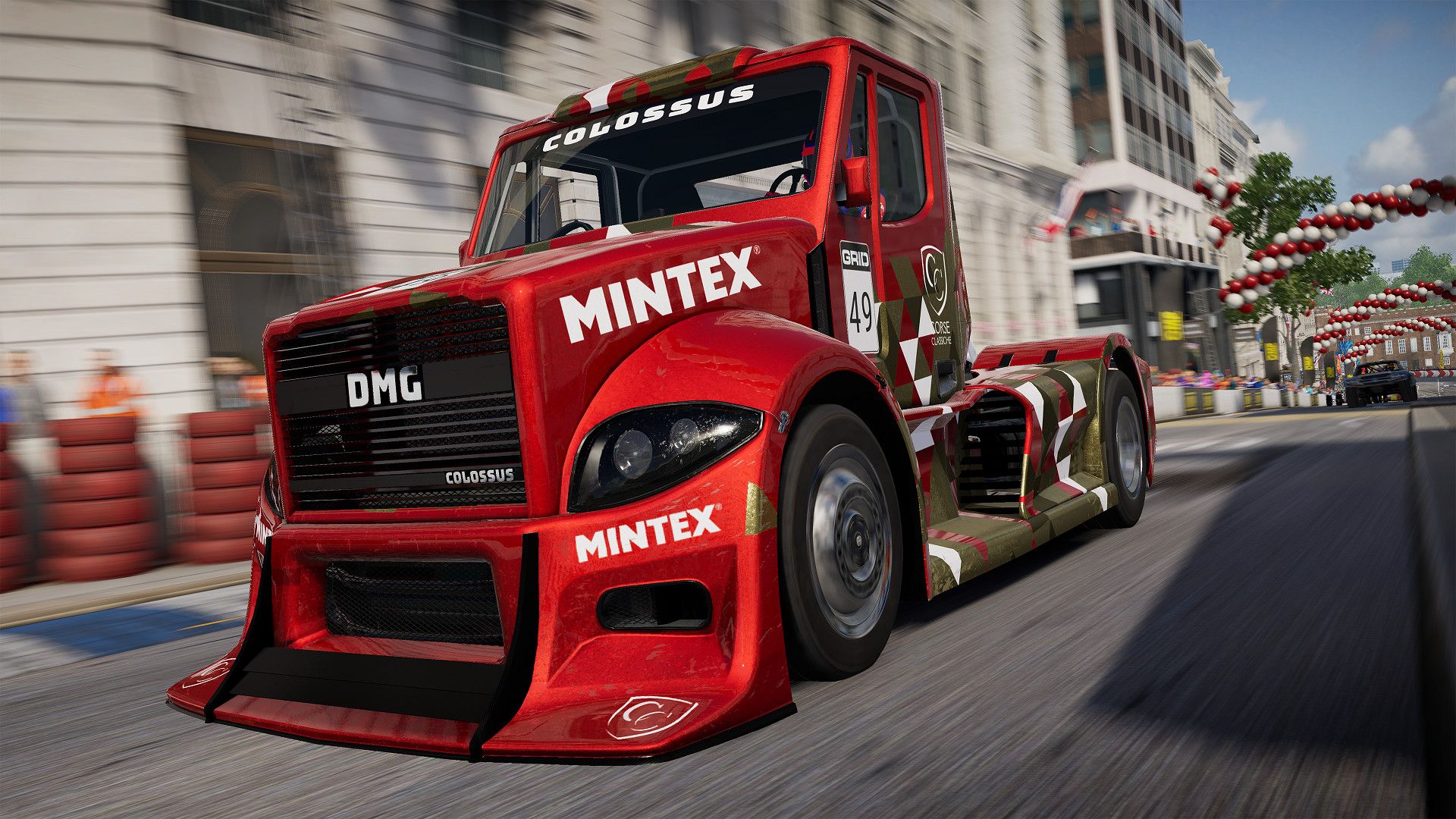
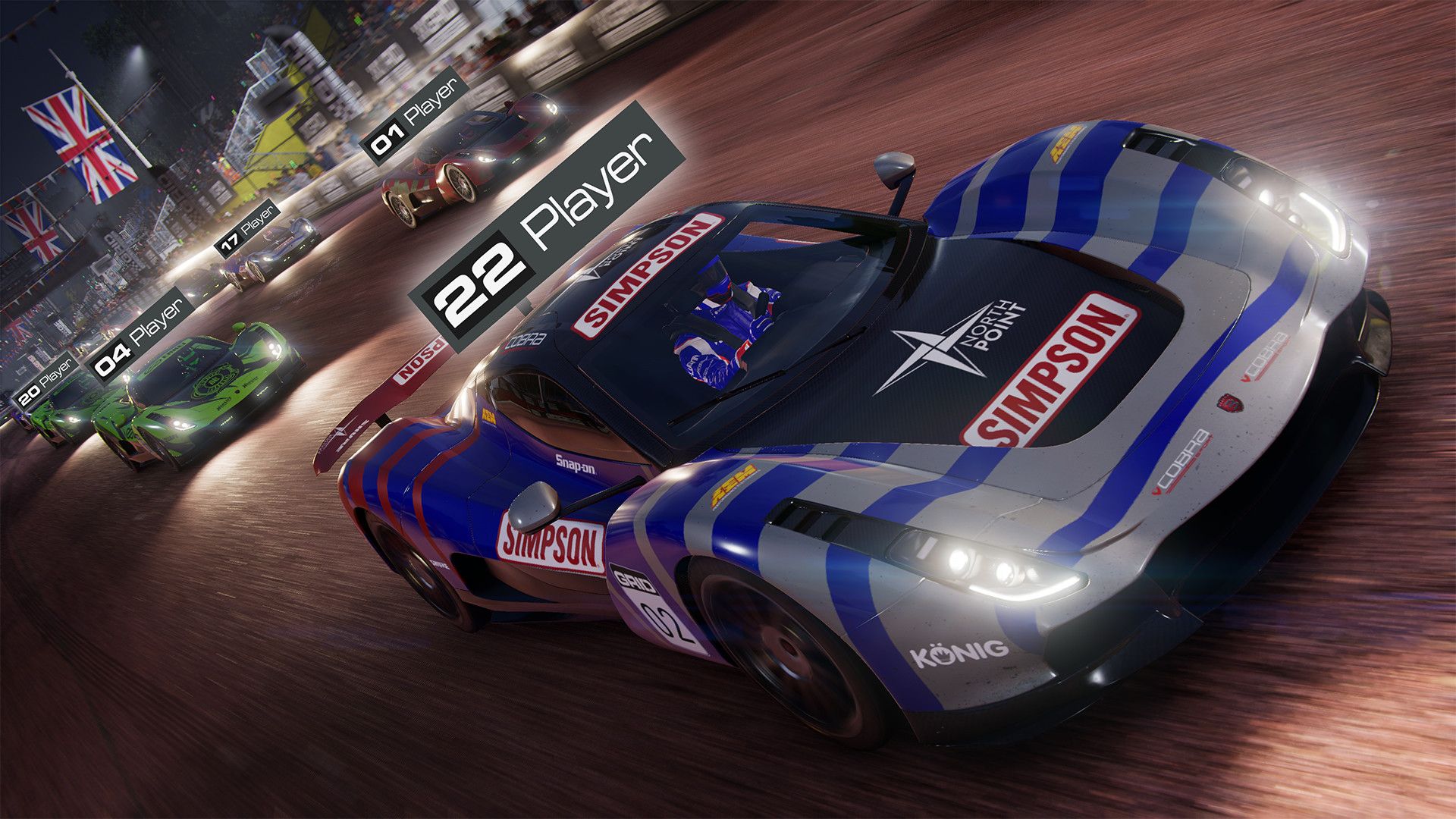
GRID Legends delivers thrilling wheel-to-wheel motorsport and edge-of-your-seat action around the globe. Create your dream motorsport events, hop into live multiplayer races, be part of the drama in an immersive virtual production story, and embrace the sensation of spectacular action racing.
Jostle for position. Drive legendary cars to their limits. Feel the rush of incredible speed. Push your Nemesis on the track. Defeat your friends again and again…and don’t let them ever forget it!
SCREENSHOT


SYSTEM REQUIREMENTS
Minimum:
• Requires a 64-bit processor and operating system
• OS: 64-bit Windows 10/11
• Processor: Intel i3 2130, AMD FX4300
• Memory: 8 GB RAM
• Graphics: NVIDIA GTX 950, AMD RADEON RX 460
• DirectX: Version 12
• Network: Broadband Internet connection
• Storage: 50 GB available space
• Sound Card: DirectX Compatible Soundcard
Recommended:
• Requires a 64-bit processor and operating system
• OS: 64-bit Windows 10/11
• Processor: Intel i5 8600k, AMD Ryzen 5 2600x
• Memory: 16 GB RAM
• Graphics: Nvidia GTX 1080, AMD RX590
• DirectX: Version 12
• Network: Broadband Internet connection
• Storage: 50 GB available space
• Sound Card: DirectX Compatible Soundcard
LINK DOWNLOAD
• Links are interchangeable
• Rar password: www.ovagames.com
• Mirrors marked with “•” are unavailable in some countries
• Whitelist or disable vpn / proxy / adblock to avoid error 404
• For any other questions, please read FAQ page
INSTALL NOTE
1. Extract
2. Burn or mount the .iso
3. Install game
4. Educate yourself first by reading _Info.txt and DenuvOwO.nfo; CPU virtualization must be enabled in BIOS (some motherboards have it enabled as default setting)
5. Start “b1\Binaries\Win64\VBS.cmd” from game folder, press 1, restart computer, then on the next boot press F7 when new window will show up (driver signature OFF)
6. Start from desktop icon
Full List of Supported Languages:
English, French, Italian, German, Spanish, Polish, Russian, Portuguese-Brazil, Japanese, Chinese Simplified, Chinese Traditional
Release Notes:
ElAmigos release. Updated to version 6.2.80 (08.06.2023); 7 DLC are included.
Release is using Hypervisor bypass by DenuvOwO team.
Once you make it work, any other game with Hypervisor can be installed and played from desktop icon (as long as you don’t restart/shutdown PC – then again VBS.cmd > 1 > reboot > F7 > desktop icon).







Copyright Protected



Leave a Reply